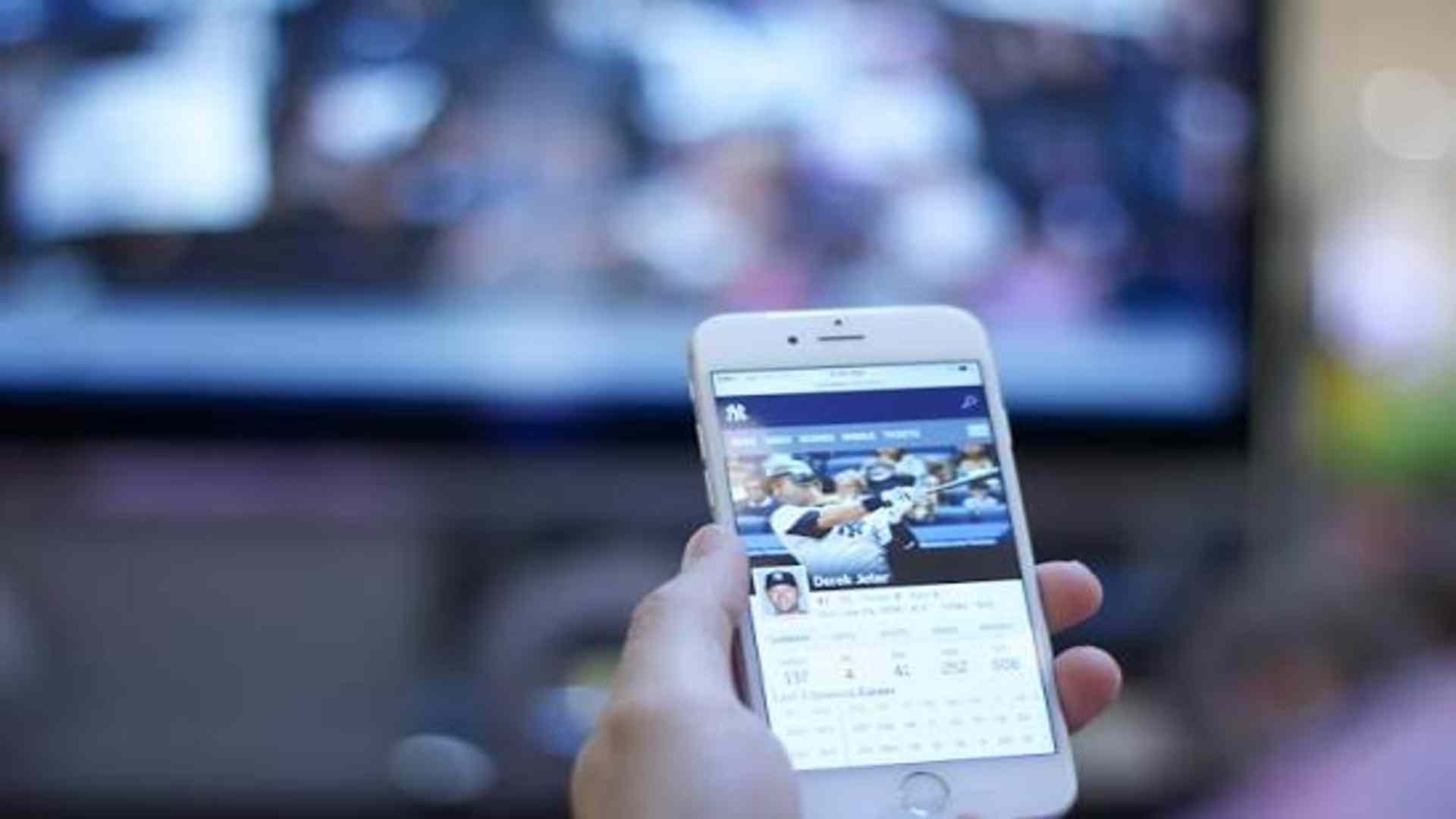
The transition from traditional hardware buttons to modern touch screen controls has fundamentally altered how users interact with digital number selection interfaces across smartphones, tablets, and interactive kiosks. Direct tactile interaction has replaced indirect navigation tools like mice and keypads, offering a far more intuitive and responsive experience. Understanding how touch screen technology influences user interface design provides key insights into modern digital ergonomics and software development.
Eliminating Hardware Barriers and Enhancing Direct Input
Touch screen technology allows users to directly interact with digits on display, bypassing physical controllers entirely. This direct connection speeds up the selection process while reducing cognitive friction during complex visual navigation. By tapping directly on numbers, users enjoy a more immediate and natural interaction flow.
Furthermore, hardware flexibility enables developers to design dynamic keypad layouts tailored to specific user needs. Interfaces can instantly reshape or adapt based on user input, eliminating unnecessary clutter. This adaptability dramatically improves accessibility and efficiency across diverse software applications.
Haptic Feedback and Visual Pacing Improvements
Modern touch displays incorporate tactile vibration and subtle visual animations to confirm each touch interaction. These immediate cues give users instant confidence that their numerical input has been correctly registered by the system. Consequently, input errors decrease, allowing for smoother and more accurate navigation.
Visual pacing is also significantly enhanced through interactive gestures like swipes, pinches, and long presses. These intuitive gestures let users rapidly adjust sliders, scroll through long numeric lists, or select multiple values effortlessly. As a result, software interfaces feel far more dynamic and engaging than static button arrangements.
Optimizing Interface Ergonomics for Mobile Devices
Designing touch-first selection grids requires careful consideration of finger size and natural thumb placement on mobile screens. Developers must ensure tap targets are sufficiently spaced to prevent accidental miss-clicks and input mistakes. This ergonomic focus creates clean layouts that reduce physical strain during extended digital sessions.
Additionally, modern interface standards prioritize visual clarity and high contrast to accommodate various lighting conditions. Mobile users benefit from responsive designs that automatically resize numeric pads based on screen dimensions and device orientation. These continuous refinements contribute to a safer, more reliable interactive environment.
Future Trends in Interactive Gesture Controls
As display technologies advance, number selection interfaces are beginning to incorporate multi-touch gestures and pressure-sensitive controls. Advanced sensors can detect subtle variations in press depth, unlocking shortcut features for rapid numerical entry. These technological innovations continue to push the boundaries of digital interaction design.
Looking forward, touch interfaces will increasingly integrate artificial intelligence to anticipate user choices and streamline repetitive inputs. By combining intuitive touch controls with smart design algorithms, developers continue to refine modern user interfaces for ultimate convenience and accuracy.